

 Randy Lindberg
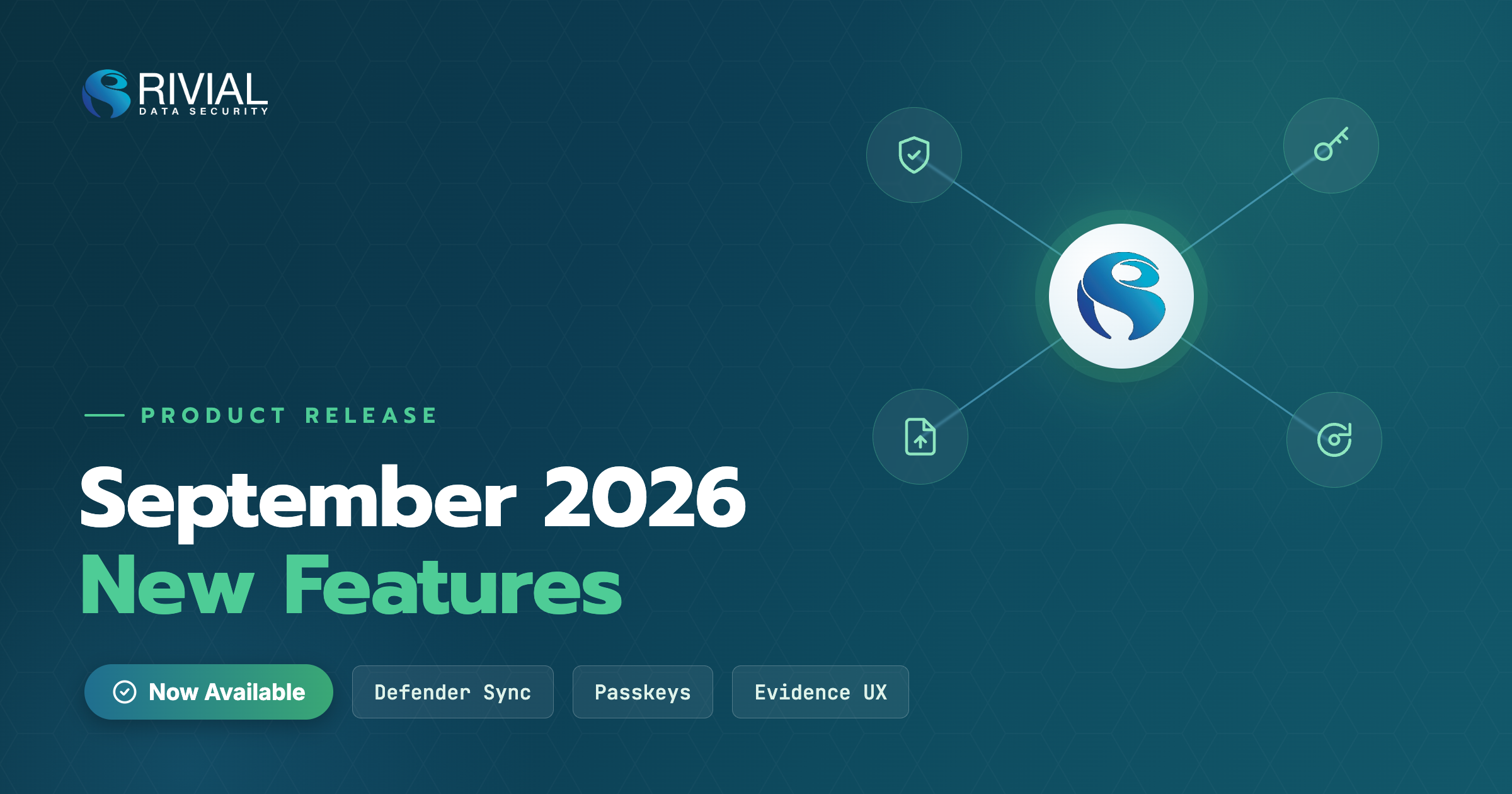
New in Rivial Software: Microsoft Defender Integration, Passkeys, and a Better Way to Submit Evidence
This release goes after the small, repeated chores that eat a security team's week. Four updates: a direct Microsoft Defender integration, a redesigned artifact submission experience, passkey sign-in, and an honest default status for new evidence. Plus one change to plan for: starting September 15th, MFA is required for every account.
Microsoft Defender: vulnerabilities on a schedule, not by CSV
If you run a Microsoft shop, Defender is probably your vulnerability scanner. Rivial software now connects to the Microsoft Defender API directly.
On the surface it works like our existing scanner integrations (Qualys, Rapid7, Nessus). The difference is what you no longer do: export a CSV and upload it every time you want current data. Connect once, set up an automation, and the software pulls vulnerabilities in on the schedule you choose.
That means your vulnerability data stays current on its own. Remediation work starts from what your environment looks like right now, not what it looked like the last time someone ran an export. We also shipped a set of broader improvements to how targets and vulnerabilities work across the software, whichever scanner you use.
Submit evidence without the scavenger hunt
Uploading an artifact used to mean bouncing between pages to gather context. What is this evidence for?
Which controls does it support? What exactly am I supposed to collect?
The redesigned artifact submission experience puts all of that in front of you on one screen: the evidence details, the related controls, and task instructions for collecting the artifact when they are available. Less clicking, fewer tabs, and fewer "what was I supposed to attach here" moments. You open the page, see what is needed, and upload it.
Sign in with a passkey
You can now sign in to the software with just your email and a passkey. No password, no separate MFA step.
Passkeys work with what you already have: the passkeys built into your browser, password managers like LastPass, and hardware keys like YubiKey. They are also phishing resistant. There is no password to steal, and a fake login page has nothing to capture, because the passkey only works with the real site.
New to passkeys? PCMag has a good plain-language explainer: https://www.pcmag.com/explainers/still-using-passwords-its-time-to-upgrade-to-passkeys
Coming September 15th: MFA required for every account
Passkeys are the easy way in. Here is the other side of the same change. Starting September 15th, every account in Rivial software will need multi-factor authentication to sign in. Email and password alone will no longer be enough.
You choose the second factor: a text message code (SMS), an authenticator app (TOTP), or a passkey. If you sign in through SSO or already have MFA turned on, nothing changes for you.
Do not wait for the deadline. Open your User Settings page and turn on MFA now, so September 15th is just another Tuesday. If you have teammates who still sign in with only a password, this is a good week to nudge them.
New evidence now starts as "Not in Place"
A small change that removes a common point of confusion. Newly created evidence used to default to "In Place" even though nothing had been done for it yet. That was a side effect of how the compliance cycle worked, not a statement about your program.
Now, new evidence starts as "Not in Place," which is the truth on day one, and you still receive the appropriate notifications when you are expected to complete it. Your compliance picture reflects what has actually been done, from the moment the evidence is created.
Available now
All four updates are live in the software today. The MFA requirement takes effect September 15th, and you can get ahead of it now in User Settings. If you want help setting up the Defender connection or enabling passkeys or MFA for your team, reach out to your Rivial contact and we will walk through it with you.